For physiotherapists
Patient management software for physiotherapists and physical therapy centres
A 10-session treatment, three rooms, two therapists. Which session a patient is at and what they paid is on their card; which room they go to is on the calendar.
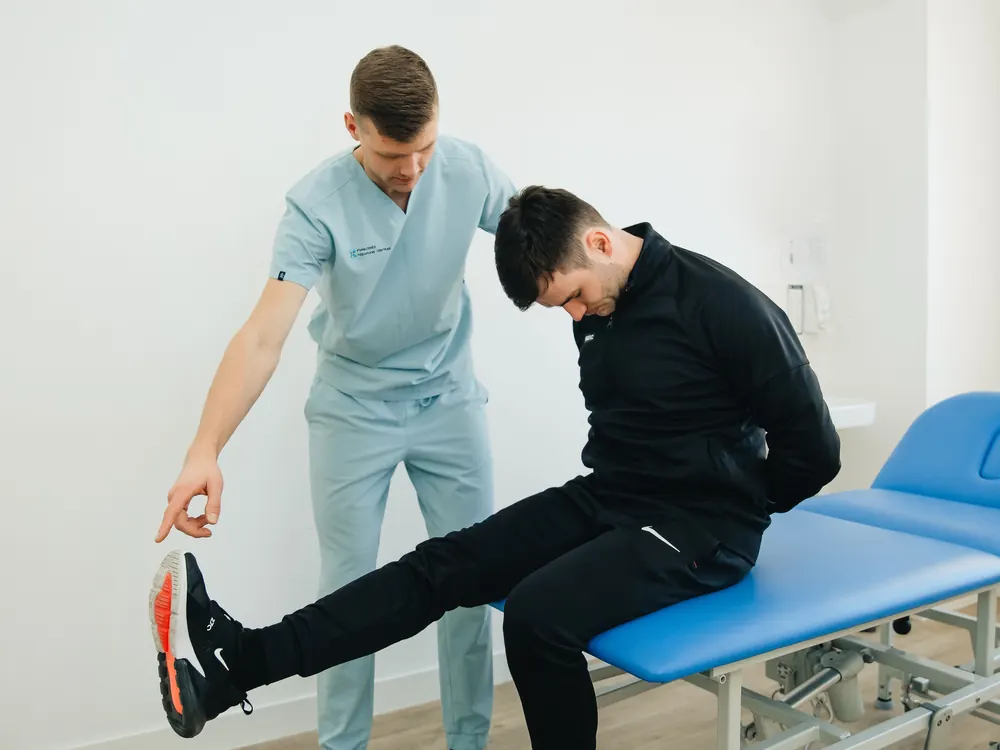
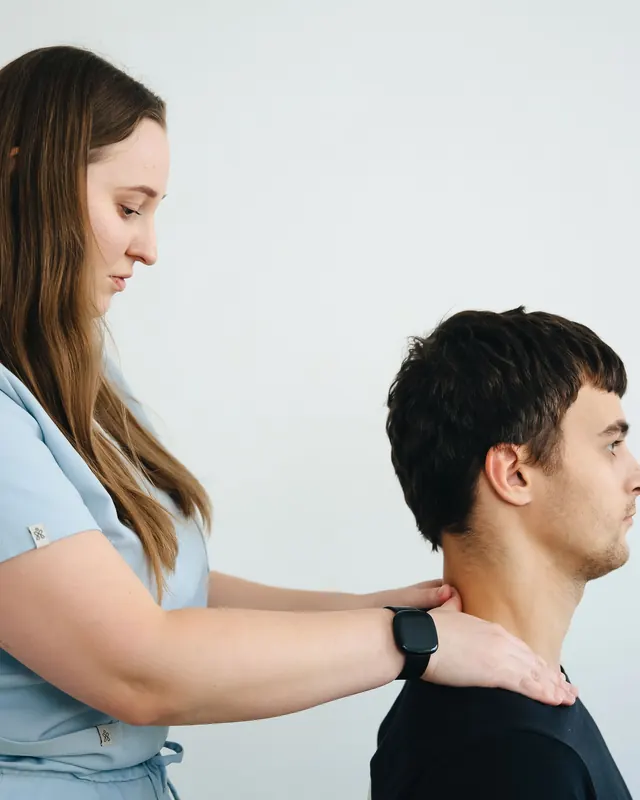
Why is physiotherapy hard to track?
Counting sessions
Was it the 7th or the 8th of the 10-session package?
Room and device clashes
The ultrasound unit is booked for two patients at once; one waits, the other is annoyed.
Instalments and balances
The package was not paid up front; three instalments were agreed, two were paid.
What Clinigim does about it
Session, room and money meet on one card.
Room and chair based daily schedule
Each room or device has its own column; no second appointment for the same room at the same time.
Session tracking and instalment plans
Sessions sit in the patient’s treatment plan row by row; sessions done, amount paid and the next instalment stay on the patient card. Patients with a balance in one list.
Full history on the patient card
Which treatment, which therapist, which date, all in order. Quick notes visible only to their author.
One-tap WhatsApp reminders
Session and balance reminders from your own number, in your own words.
Therapist performance and expected-collections reports
Sessions per therapist, collections expected this month: reports ready, exportable to Excel.
Online booking page
Patients see free slots and book themselves, choosing a therapist if they wish; the booking lands in your calendar.
Rooms, devices and therapists: how is a physiotherapy calendar set up?
In physiotherapy a session ties up three things at once: the patient, the therapist and the room or device. When one clashes, the whole day slips. In Clinigim the calendar is built around all three:
- Each room or device is its own column in the calendar; open separate columns for ultrasound, electrotherapy or the exercise hall.
- A second booking for the same room at the same time cannot be made; the clash is stopped before saving.
- The therapist filter shows one therapist’s day.
- Switch between day, week and month views; free slots open to patients on the online booking page.
How are a course of sessions, referral letters and payments tracked?
In physiotherapy, treatment is usually a course of sessions: a set number, a few times a week, over a set period. Tracking it answers two separate questions: how many sessions are done, and how much has been paid.
In Clinigim you open the treatment as a plan on the patient card; each session is a row. Book the session from its row and mark the row done afterwards. The card shows sessions done out of the total, a progress bar, the paid amount and the balance. Sessions left do not count down by themselves; you do the marking.
Payment is tracked apart from sessions: split the treatment amount into 2, 3, 4, 6, 9 or 12 instalments; the next instalment stays on the card and patients who owe appear in one list. Referral letters, discharge summaries or imaging results go on the patient card as files.
Exercise programs and measurements: what Clinigim does not do
Some physiotherapy software offers an exercise library or charts of measurements such as joint angles and pain scores. Clinigim does not; it manages patients, appointments and collections. In practice that means:
- Prepare the exercise program your own way and attach it to the patient card as a PDF or image.
- Write measurements such as pain scores or joint angles in the session note; no field turns them into a chart.
- The patient does not see a home program in an app of their own; you send the file to them.
- If you need those tools you can keep your current program; Clinigim keeps the calendar, payments and cash next to it. The full list is on the features page.
What to look for in physiotherapy clinic software
A centre’s work knots up in the calendar and in collections. See the answers to these questions yourself during the trial.
Are room and device clashes blocked?
Two patients should not fit on the same device at the same hour.
Is the course of sessions in one place?
Sessions done should show on the patient card.
Can each therapist’s day be seen alone?
One click should show a single therapist’s schedule.
Are instalments and balances tracked?
The treatment amount should split into instalments, with late ones listed.
Is therapist performance reported?
Who did how many sessions should come from a report.
Are several branches supported?
Branches should sit in one account, with reports per branch.
Can documents go on the card?
Referral letters and imaging results should sit on the patient card.
Does it state its limits?
If there is no insurance claim link or exercise library, the program should say so.
Related guides
Short step-by-step articles on the topics of this page.
How to track session packages
Tracking the sessions given, postponements and the payment of a ten-session course separately.
How to reconcile the cash drawer at the end of the day
Closing the evening till by comparison, with several terminals and therapists.
How to move patient records from Excel to software
The steps of moving your old patient list and open balances to software.
Questions physiotherapists ask
- Does it include exercise programs or measurement tracking?
- No. Clinigim manages patients, appointments and collections; it has no exercise library and no charts for joint angles or pain scores. Prepare the exercise plan your own way and attach it to the card as a note or file. Write measurements in the session note; at the next session the earlier notes are on the card in date order.
- Does it handle public insurance claims?
- No. Clinigim does not submit claims to public insurers; in Turkey it takes no SGK provision and does not connect to MEDULA or e-Nabız. If you work under such an agreement, do that in the official system you use. Clinigim keeps the same patient’s appointments, session tracking, private payments and balance, and you can record a co-payment as a transaction.
- Can I use it for several branches?
- Yes. Branches are defined under the same account and your plan sets how many you can open. Reports are taken per branch; export therapist performance and expected collections to Excel to compare branches. Adding a branch needs no new account; you do it from your existing one.
- Can I move patients over from my old program?
- Yes. Upload an Excel or CSV file; columns are matched to first name, last name, phone and the other fields. Fix invalid and duplicate rows in the preview, then confirm. If something goes wrong, undo the import with one click within 24 hours. Open balances move with the transaction import; treatment plans you open again on the card.
- What happens when a patient misses a session?
- Mark the appointment as a no-show; the clinic’s no-show fee applies if one is set. A patient who has missed before gets a warning badge on the next booking, and the reminder is one tap away. Whether a missed session comes off the treatment plan is your decision; tell the patient the rule in writing at the start.
- Are reminders sent automatically?
- No, automatic WhatsApp reminders are not available yet. You send appointment and balance reminders from your own number through a WhatsApp message that opens with one tap; you write the text and test it before sending. Reminding tomorrow’s patients this way takes a few minutes in the evening.
- How much does it cost?
- There is no separate edition for physiotherapy centres; the same program and the same plans apply. Three plans; in Turkey 999, 1,499 and 2,499 TRY per month (October 2026), other countries see the price in their own currency. 14 days free without a card; when the trial ends the clinic is not locked out.
Other specialties
One program; each specialty described in its own words.